
Markdown to PDF
Drop a .md file — with its images and bibliography — and get a PDF that looks typeset, not printed from a browser.
Drop files or a folder
.md · .docx · .tex · .pdf · .zip — include images and refs.bib
The PDF is re-typeset in the style you choose — headings, lists, tables, pictures and text colors are kept.
If ticked, this PDF is sent to SoMark's free recognition service (free-oxr.somark.ai); this usually takes 30–90 seconds. Unticked, it stays on this site. Privacy
Public repositories. Paste the address of a .md file, a folder or a repository (its README is used). Pictures the file uses are fetched too.
Optional. Follows its page setup, fonts and styles, its headers and footers as in Word (odd / even and first pages, tables, logos, watermark) and page numbers. A cover or letterhead in it is used too: mark the values with {{title}}, {{date}}… and the place of your text with {{body}}.
More options
Done
The conversion didn't finish
Write Markdown. Deliver real documents.
Every page here was typeset by this converter from the source beside it. Nothing retouched.
---
title: Q3 2026 Business Review
subtitle: East Region · Quarterly report
author: Business Operations
date: 2026-10-15
---

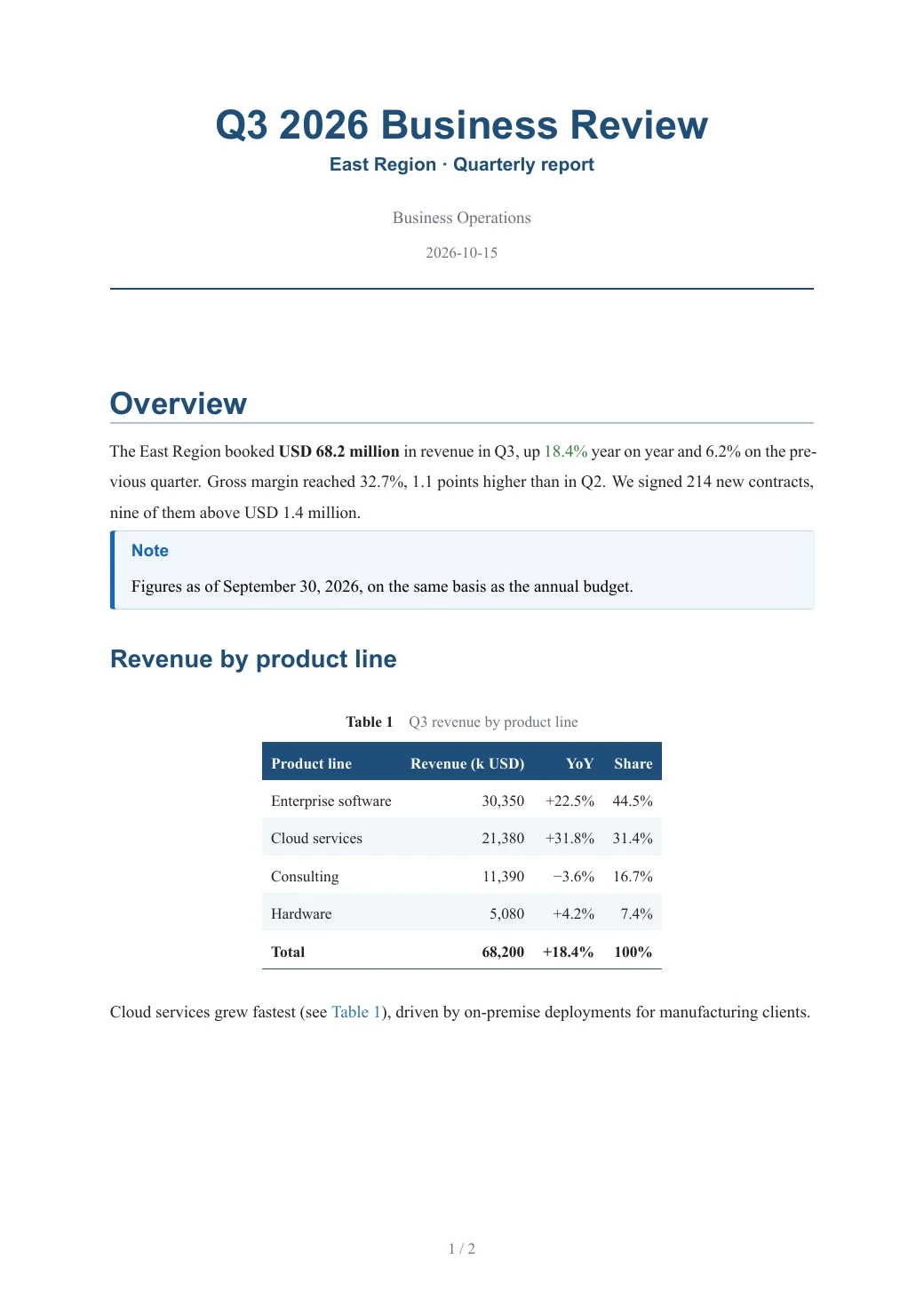
# Overview

The East Region booked **USD 68.2 million** in revenue in Q3, up [18.4%]{color=green} year on year and 6.2% on the previous quarter. Gross margin reached 32.7%, 1.1 points higher than in Q2. We signed 214 new contracts, nine of them above USD 1.4 million.

> [!NOTE]
> Figures as of September 30, 2026, on the same basis as the annual budget.

## Revenue by product line

…
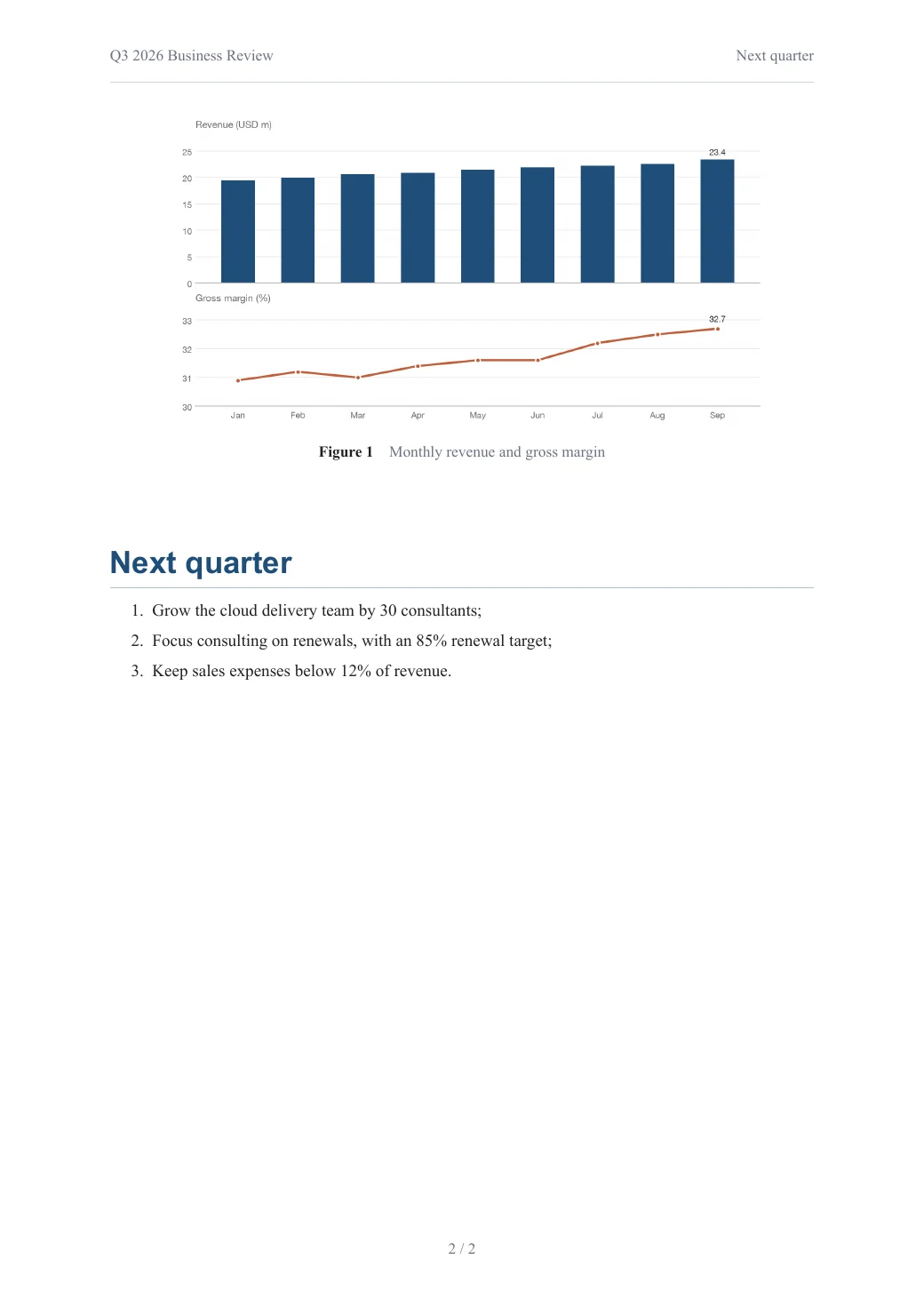
Tables, charts, callouts and page numbers, from plain Markdown.
Open this PDF ↗Also delivered as an editable Word file
---
title: Spatial Variation of Housing Prices and Its Drivers
author: Ming Wang, Hua Li
date: September 2026
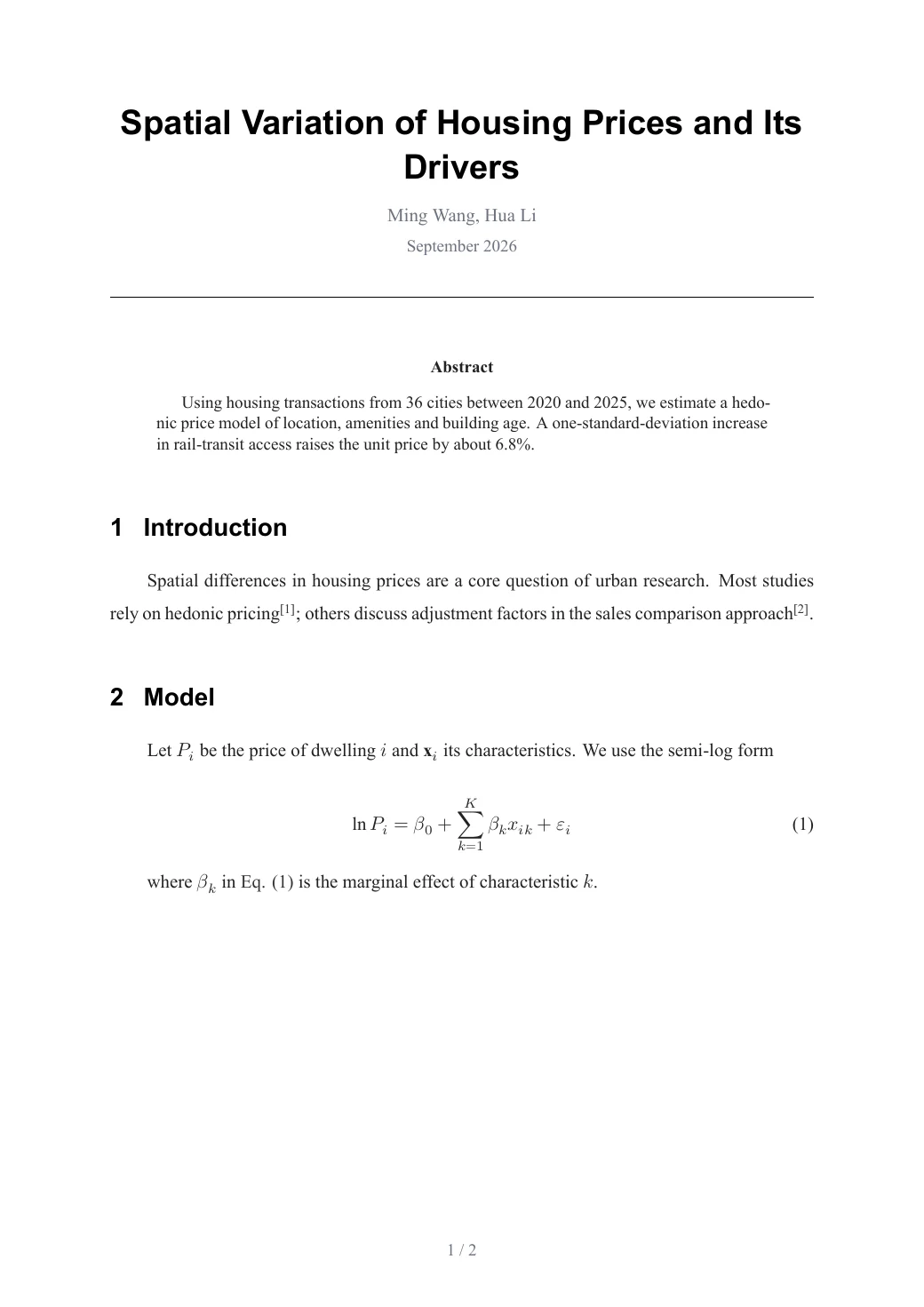
abstract: Using housing transactions from 36 cities between 2020 and 2025, we estimate a hedonic price model of location, amenities and building age. A one-standard-deviation increase in rail-transit access raises the unit price by about 6.8%.
bibliography: refs.bib
---

# Introduction

Spatial differences in housing prices are a core question of urban research. Most studies rely on hedonic pricing [@smith2021]; others discuss adjustment factors in the sales comparison approach [@zhang2024].

# Model

Let $P_i$ be the price of dwelling $i$ and $\mathbf{x}_i$ its characteristics. We use the semi-log form

…
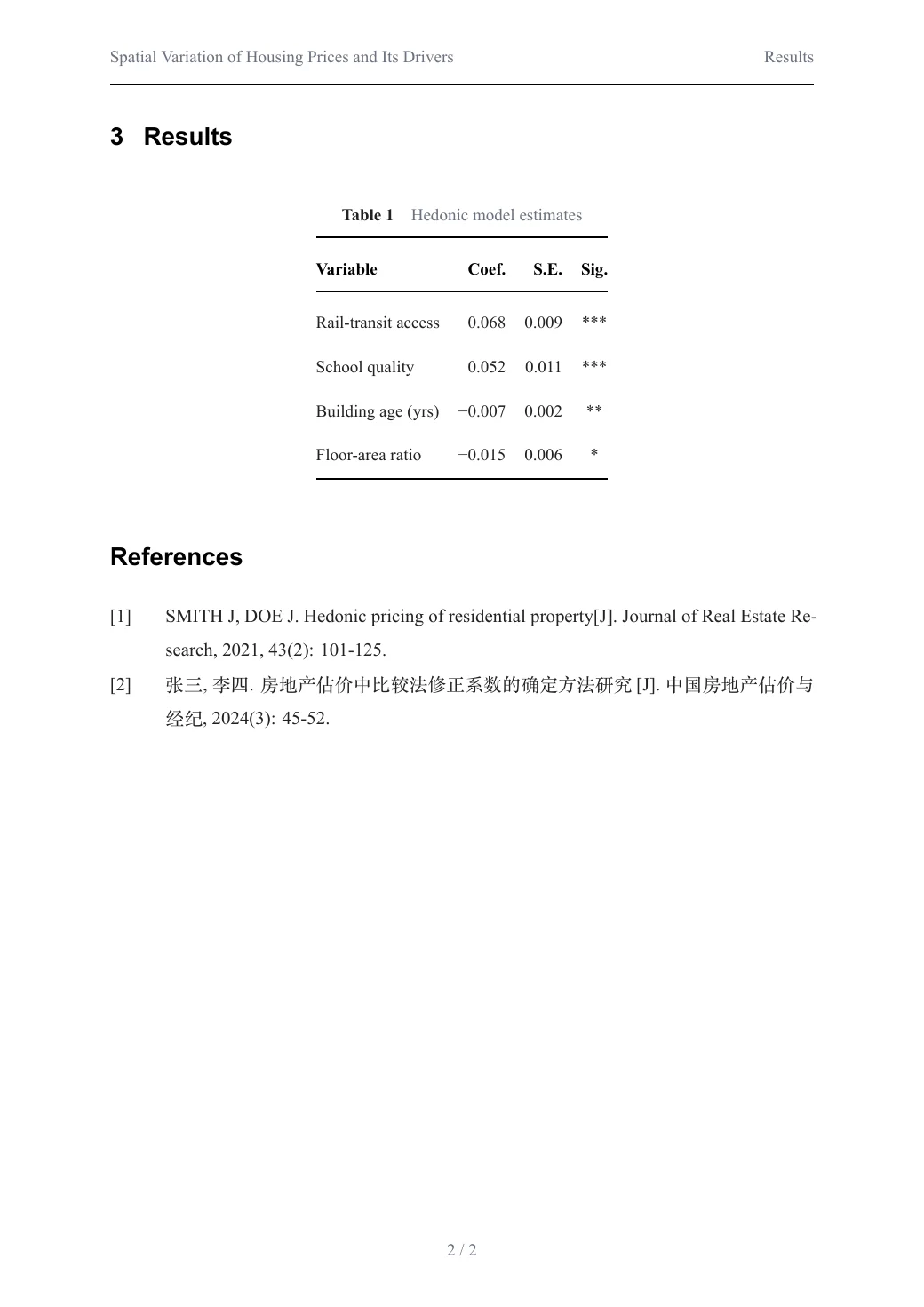
Numbered equations, three-line tables and references from a .bib file.
Open this PDF ↗Also delivered as an editable Word file
Browse all examples, with PDF, Word and source to download →
Chinese without surprises
No missing glyphs or boxes: Chinese, Japanese and Korean text, punctuation and mixed Latin text are set properly.
Real tables
Long tables break across pages, wide tables fit the page, and merged cells (rowspan / colspan) work.
Equations and references
Numbered equations you can cross-reference, and a bibliography in GB/T 7714 style from a .bib file.
Long documents
Cover page, table of contents, page references (“see page 5”), appendices and landscape pages.
How it works
- 1
Add your document
Drop the .md file, its whole folder or a .zip, or paste the text. Missing images are listed before you convert.
- 2
Choose a style
Pick one of six styles. Options add a table of contents or heading numbers.
- 3
Download the PDF
Usually ready in seconds. Fonts are embedded, so it looks the same on every device.
Questions and answers
Why not just print to PDF from my editor?
Browser and editor exports often break Chinese text, split table rows badly and ignore page layout. Here the document is typeset for paper: proper margins, page numbers, captions and line breaking.
Can I use images from my computer?
Yes. Drop the whole folder (or a .zip) so the images keep their relative paths. Web images (https links) are fetched automatically.
Is there a page limit?
No fixed page limit. Each conversion may take up to 5 minutes; typical reports finish in under 20 seconds.
Can I get Word as well?
Yes — choose “PDF + Word” to get both from the same document.